


 |
Start of Tutorial > Start of Trail > Start of Lesson | Lesson Contents |

|
Trail: Creating a GUI with JFC/Swing |
|
Lesson: Using Other Swing Features |
|
Help
on searching
Search technology |
Using Other Swing Features: Examples
Note: Examples are applications unless noted otherwise.
For all examples,
place the image files in a directory named images
in the same directory as the source and class files for the example.
For example, here's the setup for ActionDemo:
                 a directory
                      |
          +-----------+-----------+
          |                       |
      ActionDemo*               images
                                  |
                     +------------+------------+
                     |            |            |
                 left.gif      middle.gif   right.gif
| Source Files | Image & Other Files | Where Described |
AccessibleScrollDemo.java
Rule.java
Corner.java
ScrollablePicture.java
|
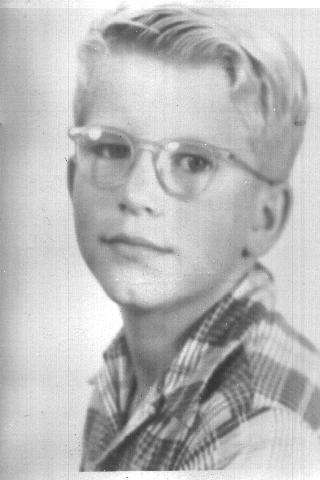
youngdad.jpeg |
How to Support Assistive Technologies |
ActionDemo.java
|
right.gif,
middle.gif,
left.gif |
How to Use Actions |
BorderDemo.java
|
left.gif |
How to Use Borders |
CustomIconDemo.java
ArrowIcon.java
|
middle.gif |
How to Use Icons |
IconDemoApplet.java
(an applet)
SwingWorker.java
Photo.java |
right.gif,
left.gif,
dimmedRight.gif,
dimmedLeft.gif,
stickerface.gif,
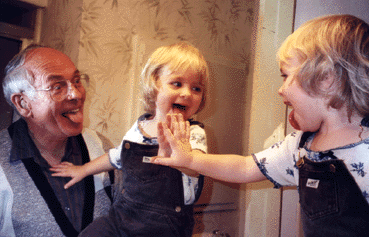
lainesTongue.gif,
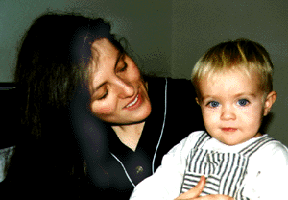
kathyCosmo.gif,
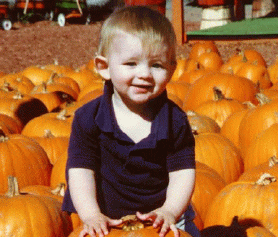
ewanPumpkin.gif,
To run the applet: IconDemoApplet.html
To view the <APPLET> tag: IconDemoApplet.atag
|
How to Use Icons |



|
|
Start of Tutorial > Start of Trail > Start of Lesson | Lesson Contents |